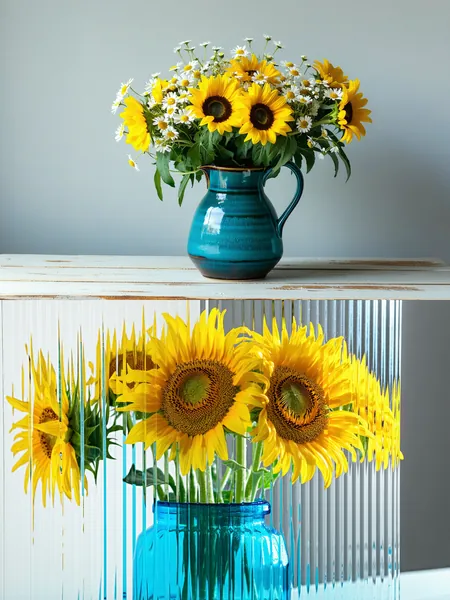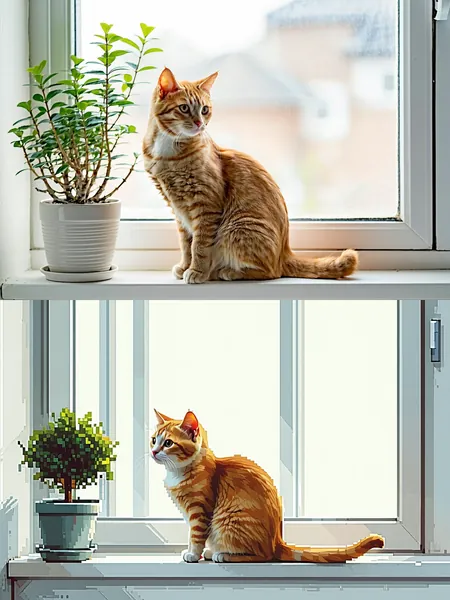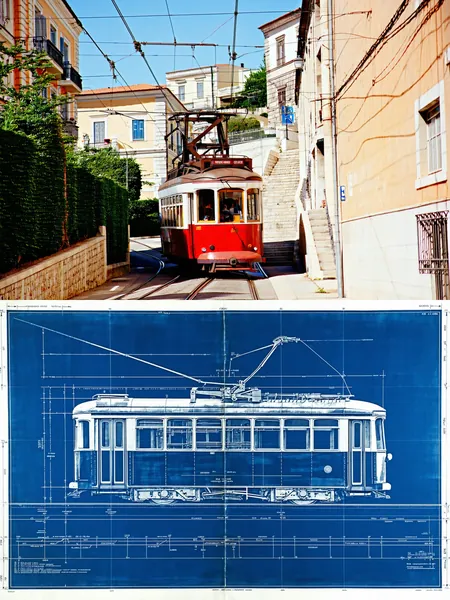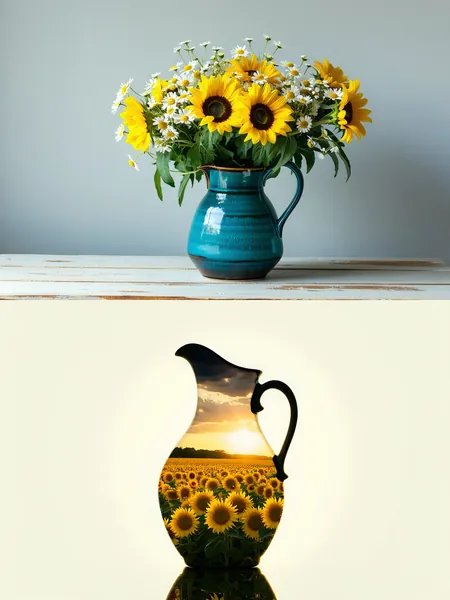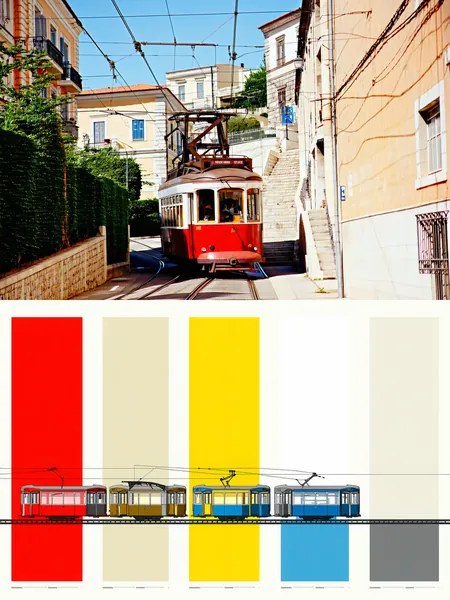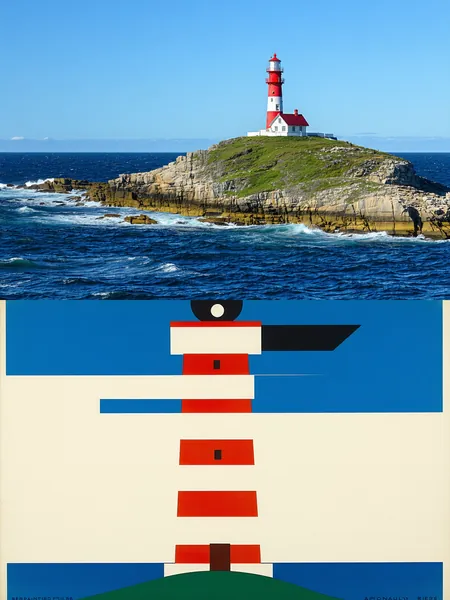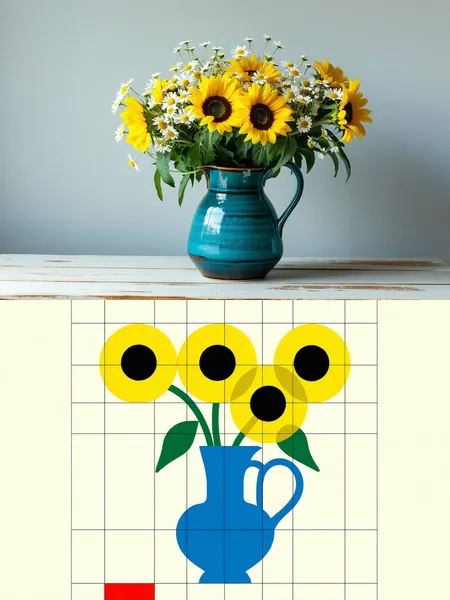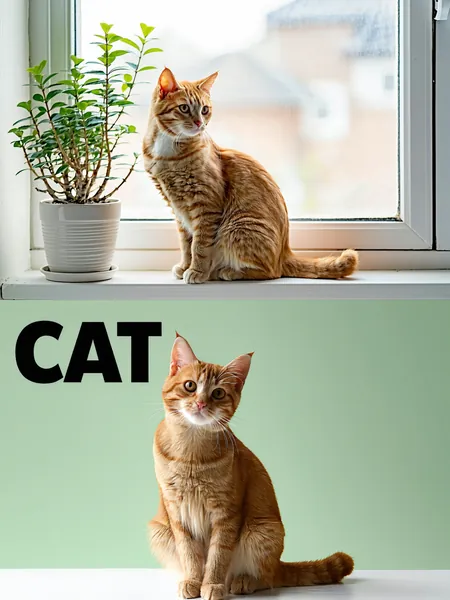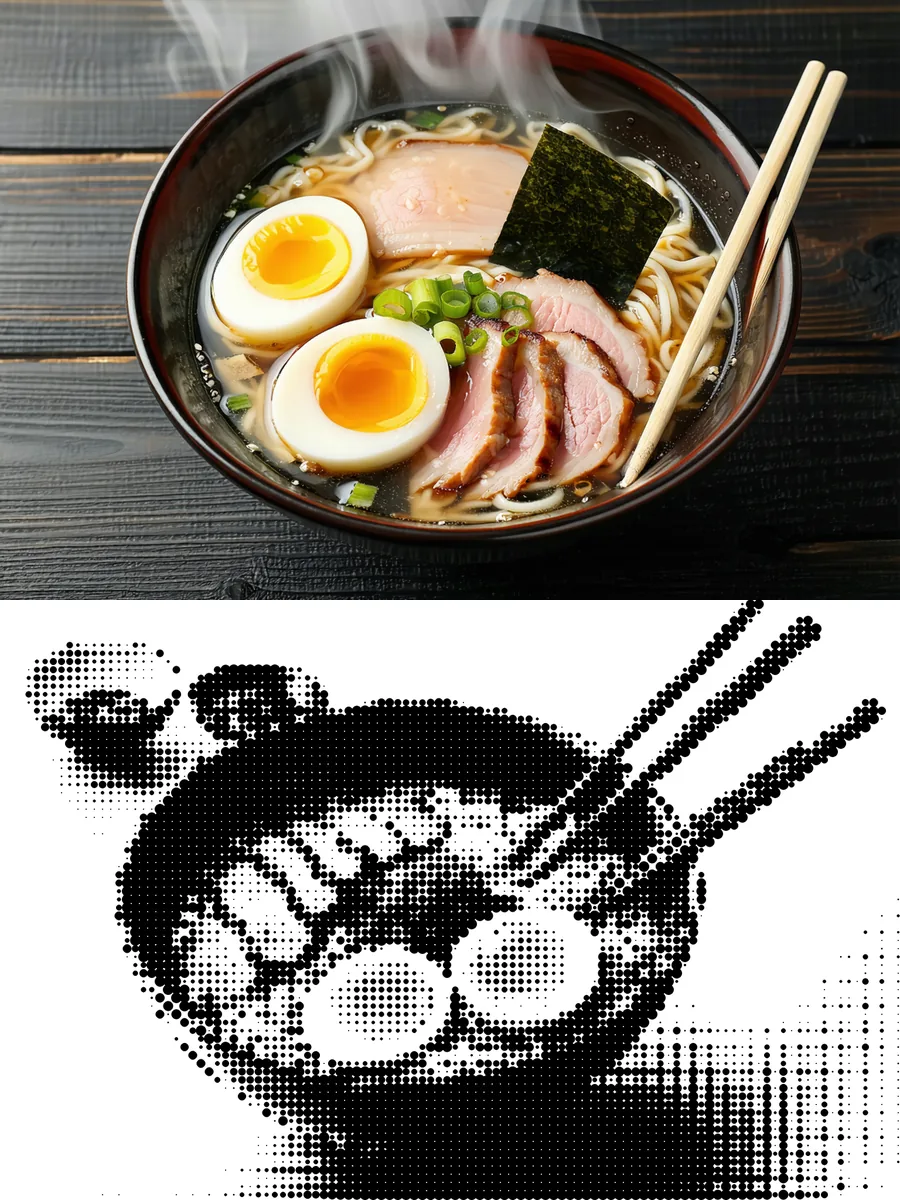
Example subject: a bowl of ramen. Example images: both halves were AI-generated from the same scene description and composited per this site's rules, to show how the styles differ — not an actual result from a user's photo.
E1 · Digital Imaging
Halftone Generator
Dots of varying size and spacing rebuild the subject — up close it's just dots, from a distance it resolves into the scene.
- Rule
- One dot shape only; monochrome or two colours.
- Test
- Up close you should see nothing but dots; step back and the image should click into focus. Crop out the bottom half alone: you should still recognise the subject, and it shouldn't look like a filter.
- Suits
- Portraits, buildings, high-contrast photos.
- Avoid for
- Low-contrast fog scenes.
- Midline
- 50 : 50
Bottom-half prompt (1536×1024)
① Subject lock: recreate the exact scene in the reference photo — same main subject, same key objects, same left-to-right arrangement; the subject must stay recognisable.
② Medium: a monochrome halftone rendering of the scene built only from dots of varying size on a regular grid, high contrast, no continuous tone.
③ Rule: One dot shape only; monochrome or two colours.
④ Exclusions: It must not look like a filter applied over the photo. Do not reuse the photo's pixels or photographic texture. Remove watermarks, logos and any text that is not part of the scene.
⑤ Output: one landscape 3:2 image at 1536×1024, full bleed, no border; keep the bottom-right corner free of text and key details.