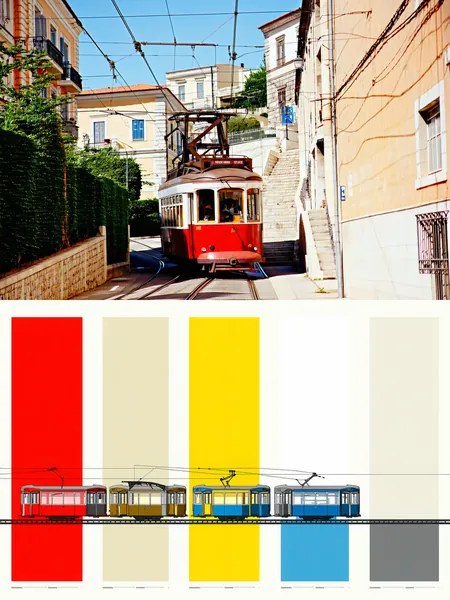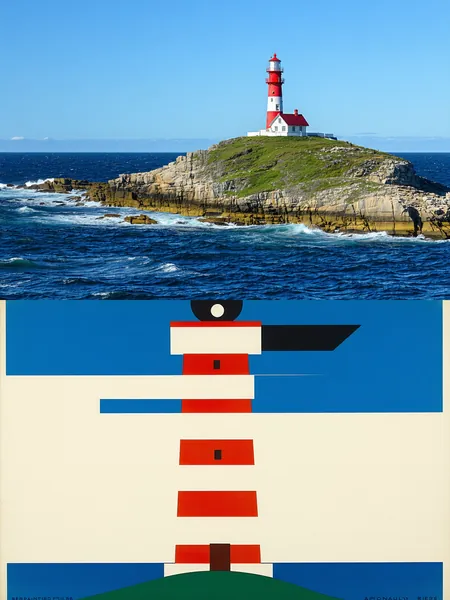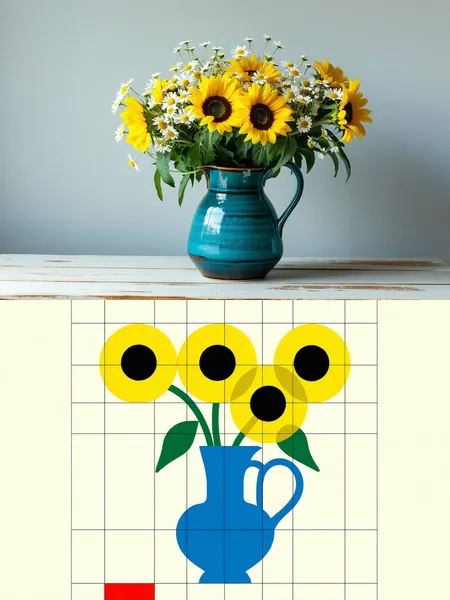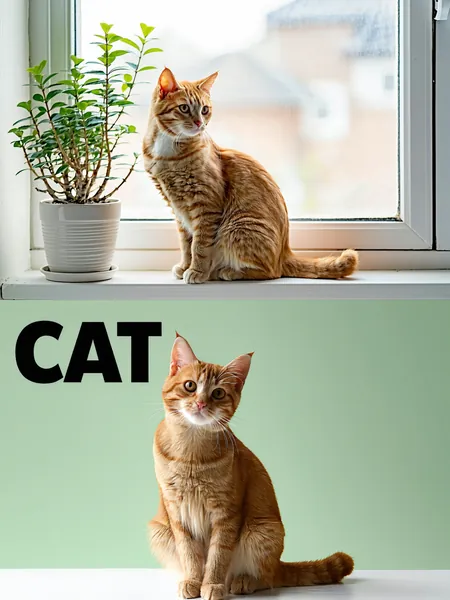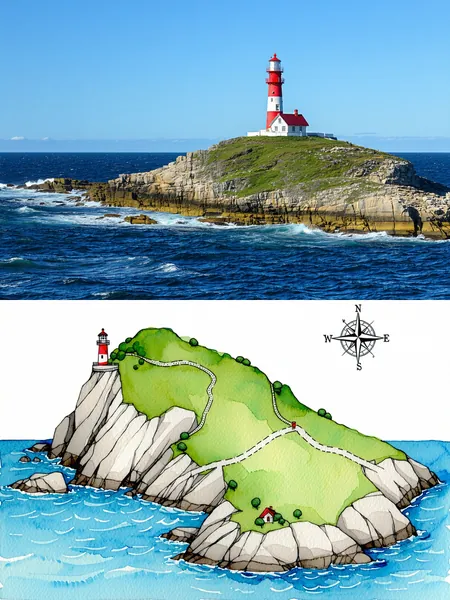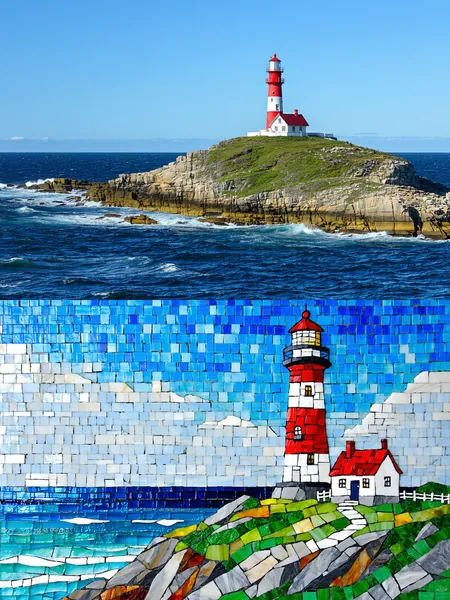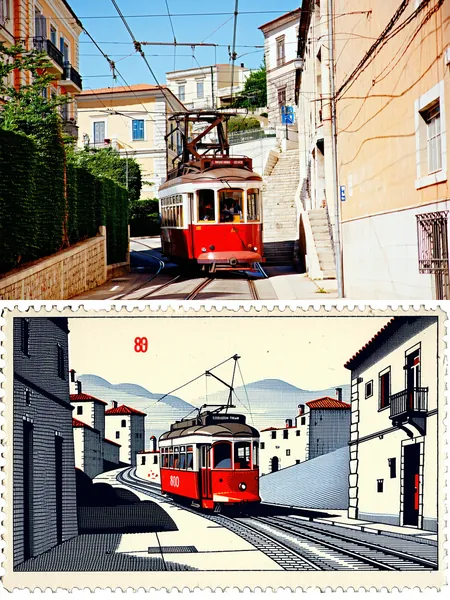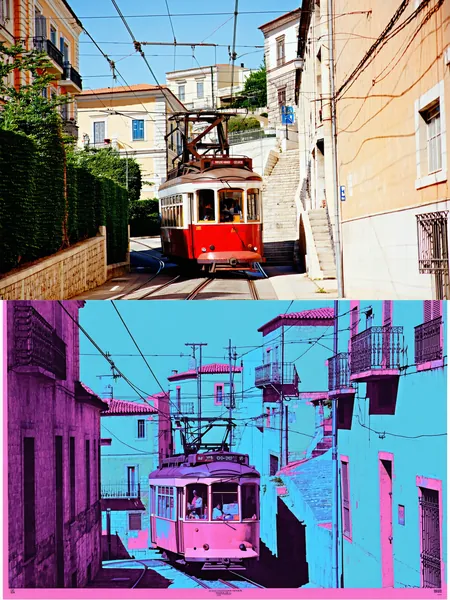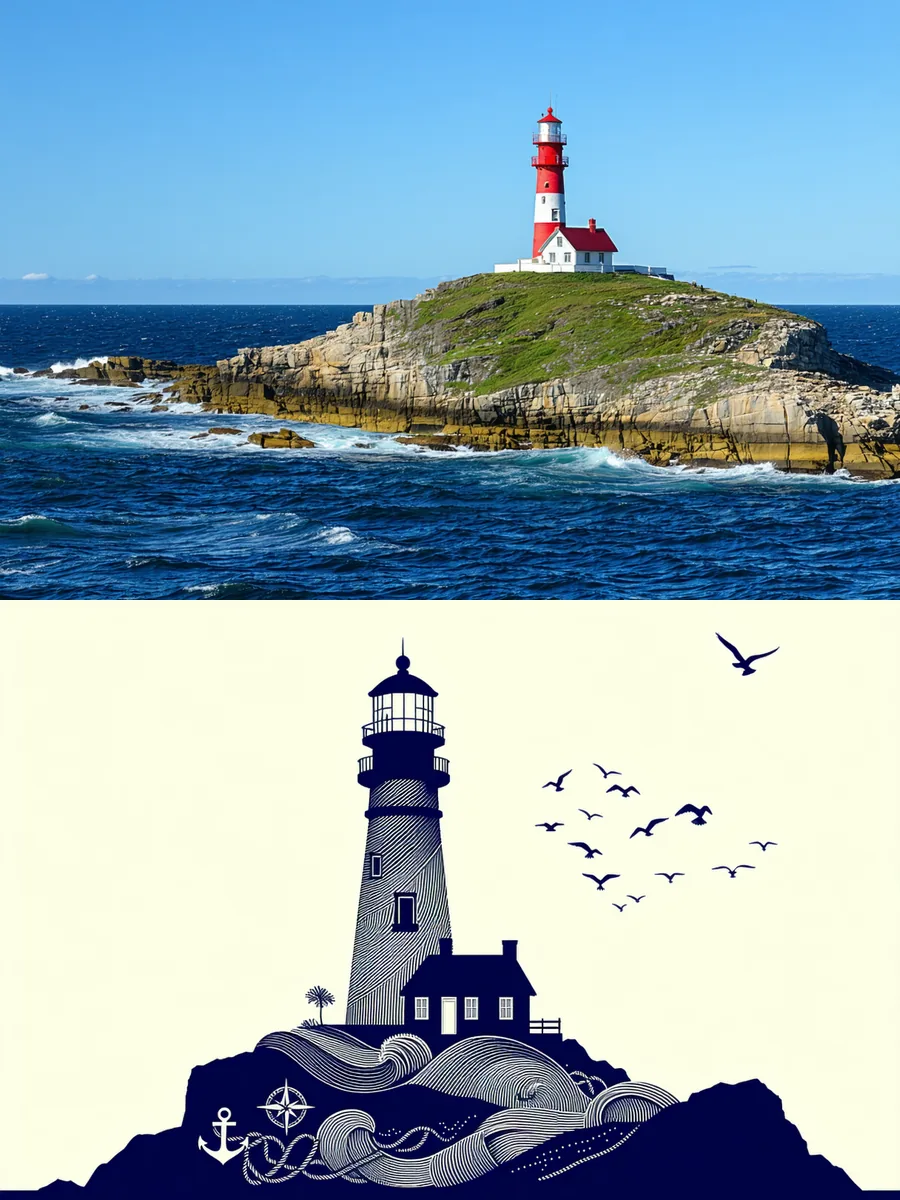
Example subject: a lighthouse on a headland. Example images: both halves were AI-generated from the same scene description and composited per this site's rules, to show how the styles differ — not an actual result from a user's photo.
A5 · Graphic & Symbol
Photo to Silhouette
The subject becomes a solid silhouette, filled inside with a pattern tied to that place or species.
- Rule
- The silhouette is one solid colour; the pattern only lives inside it.
- Test
- You should be able to identify the subject from the outline alone. Crop out the bottom half alone: you should still recognise the subject, and it shouldn't look like a filter.
- Suits
- Landmarks, travel photos, animal profiles. Often suggested for travel landmark photos.
- Avoid for
- Head-on shots with an ambiguous outline.
- Midline
- 50 : 50
Bottom-half prompt (1536×1024)
① Subject lock: recreate the exact scene in the reference photo — same main subject, same key objects, same left-to-right arrangement; the subject must stay recognisable.
② Medium: a solid single-colour silhouette of the subject on a flat background, the inside of the silhouette filled with a fine ornamental pattern drawn from the local culture of the place in the photo.
③ Rule: The silhouette is one solid colour; the pattern only lives inside it.
④ Exclusions: It must not look like a filter applied over the photo. Do not reuse the photo's pixels or photographic texture. Remove watermarks, logos and any text that is not part of the scene.
⑤ Output: one landscape 3:2 image at 1536×1024, full bleed, no border; keep the bottom-right corner free of text and key details.